
01 Generate worlds
Give your imagination a world.
Create a planet with coastlines, elevation, rivers, climates and biomes ready to explore.
The complete worldbuilding workspace
Generate planets. Shape maps. Build civilisations. Write the stories that connect them. Your entire universe, in one creative workspace.
Create and edit on desktop. Mobile is view only. Sign up here, then continue on your computer.
Explore the studioAlpha v1.0 · Made for worldbuilders, writers & curious minds
A world generated in Paracosm Studio
01 / Imagine
“A paracosm is a detailed imaginary world created inside the mind.”
02 / Discover
“A paracosm is not just a fantasy. It is a world with its own history, geography, cultures, and laws.”
03 / Create
“Build worlds that never existed — until now.”
Inside Paracosm Studio
One connected workspace for your maps, civilisations, lore and stories.
01 Generate worlds
Create a planet with coastlines, elevation, rivers, climates and biomes ready to explore.
02 Shape the map
Move between map layers and shape the geography behind your setting. Every coast, river and region is a starting point.
03 Model civilisations
Build cultures, factions and states alongside the geography that shaped them. Connect the people to the places.
04 Design the cosmos
Place your world among stars, planets and orbital systems. Give your stories a whole cosmos to look up at.
05 Write canon and stories
Bring your lore together in a Wiki, then develop stories, plot arcs and timelines connected to your world.
Who it is for
Paracosm Studio gives early ideas a place to become maps, histories, civilisations, stories and shared canon.
Move from a vague idea to a setting with geography, cultures, regions and living context.
Give stories a reliable source of truth, then discover new conflicts from the places you create.
Prototype explorable worlds with readable terrain, factions and map layers before production art exists.
Make places because it feels good to imagine them, then keep adding history, people and strange details.
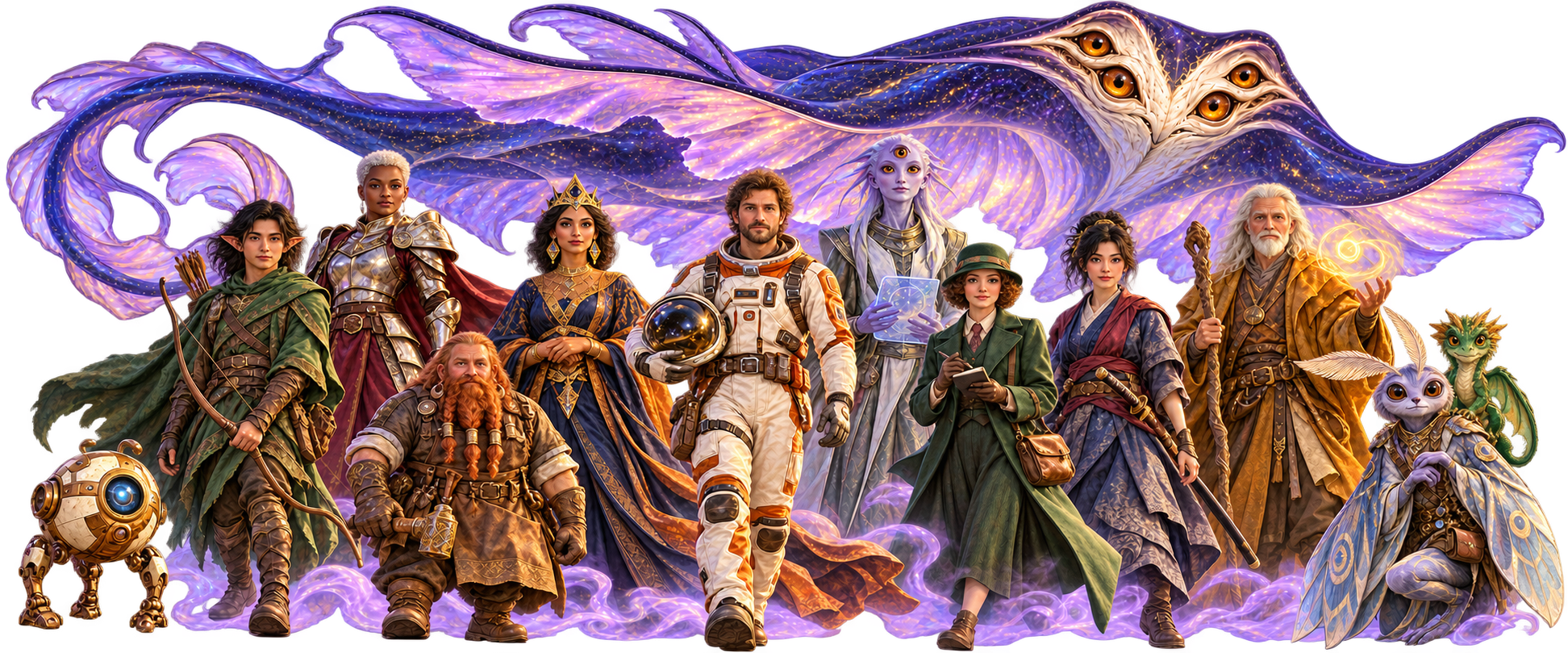
Start building
Create and edit on desktop. Mobile is view only. Sign up here, then continue on your computer.
A little orientation
Explore what is available, then start with one place, one idea or one story. Visit the Help Centre for practical walkthroughs.
Create a setting with generated planets, editable maps, places and civilisations. Use the Wiki for established lore and Scribe for stories, campaigns, writing documents and planning boards.
Yes. The Free plan lets you try a small setting within its allowances, including Clean Map and Natural Atlas basics. Paid plans add capacity and premium customisation such as custom map fonts, colours and imports. See Plans for current limits.
The current terrain generator uses procedural algorithms running in your browser, rather than sending a world-generation prompt to an external AI model. You develop the setting’s lore and stories in the connected workspace.
Create and edit in a desktop-sized browser. Mobile provides a view-only reader for saved Worlds, Wiki and Scribe content. Sign-in, cloud saving and synchronisation require an internet connection.
Paracosm Studio is Alpha v1.0. Some areas are still developing, and controls marked Coming soon are not available features. Check the Help Centre and requirements, and keep independent exports of important work.